FeaturePhotos
Then and now, side by side.
Is it smaller than last month, or does it just feel that way? Words don’t keep the shape of a patch of skin. A photo with the entry does, and later you can put two of them next to each other with the time between them.

- Pinned to the spot
- Each photo can belong to a body area
- An album per area
- On a timeline, oldest to newest
- Side by side
- With Pro, with the time between
- Free to keep
- Taking, viewing and sharing photos
01With the entry
Photos · body areas · albums
The photo knows when, and where.
Add a photo to an entry and it keeps that entry’s date and tracker. Pin it to a body area and it joins that area’s album, so the right elbow’s photos stay together however many places you track.
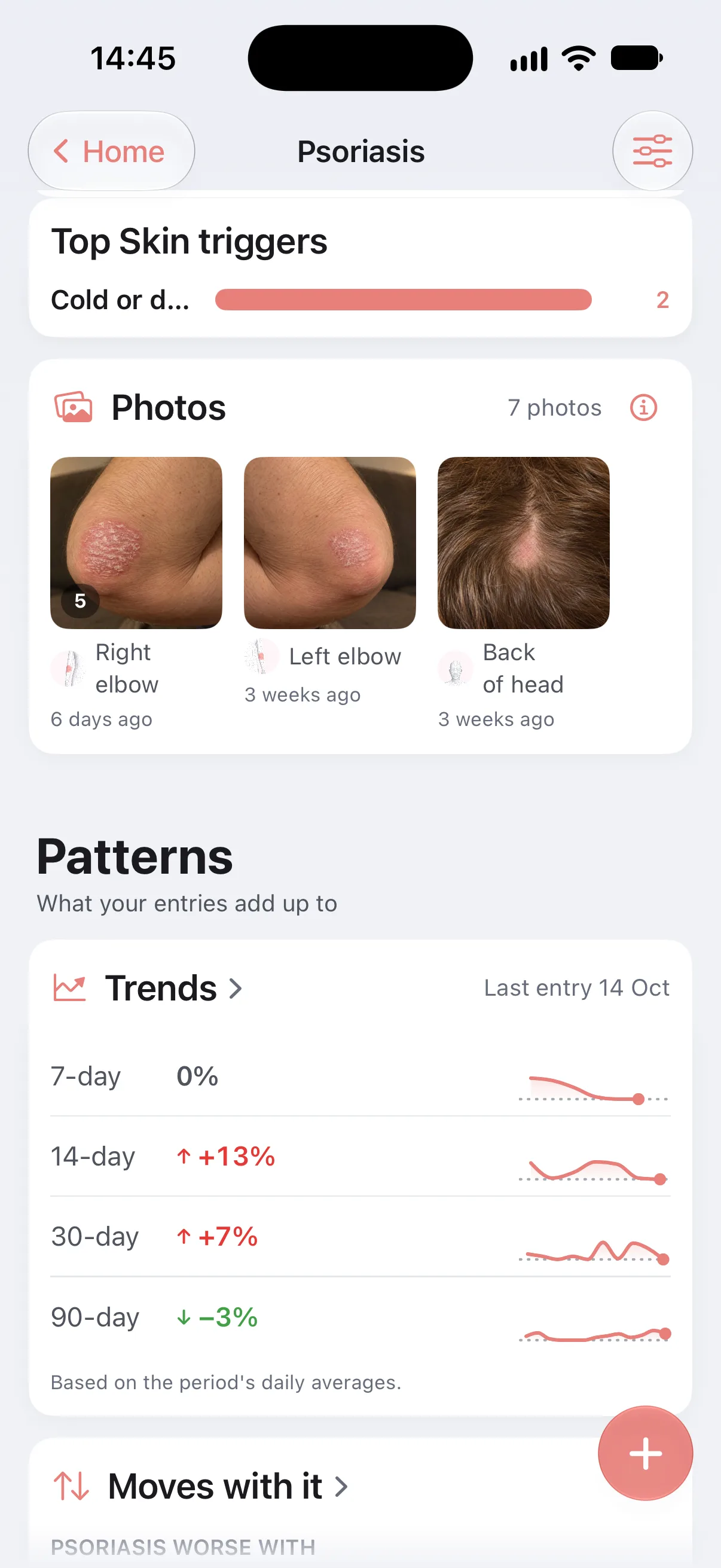
- 01Skin trackers come with a Photos row in the entry, ready for the camera.
- 02Each tracker’s overview gathers its photos into albums: one per body area, and one for photos without an area.
- 03Photos also show on the entry in the Journal, and the areas themselves live on the body atlas.
02The album
Full screen · filmstrip
Months of one spot, in one strip.
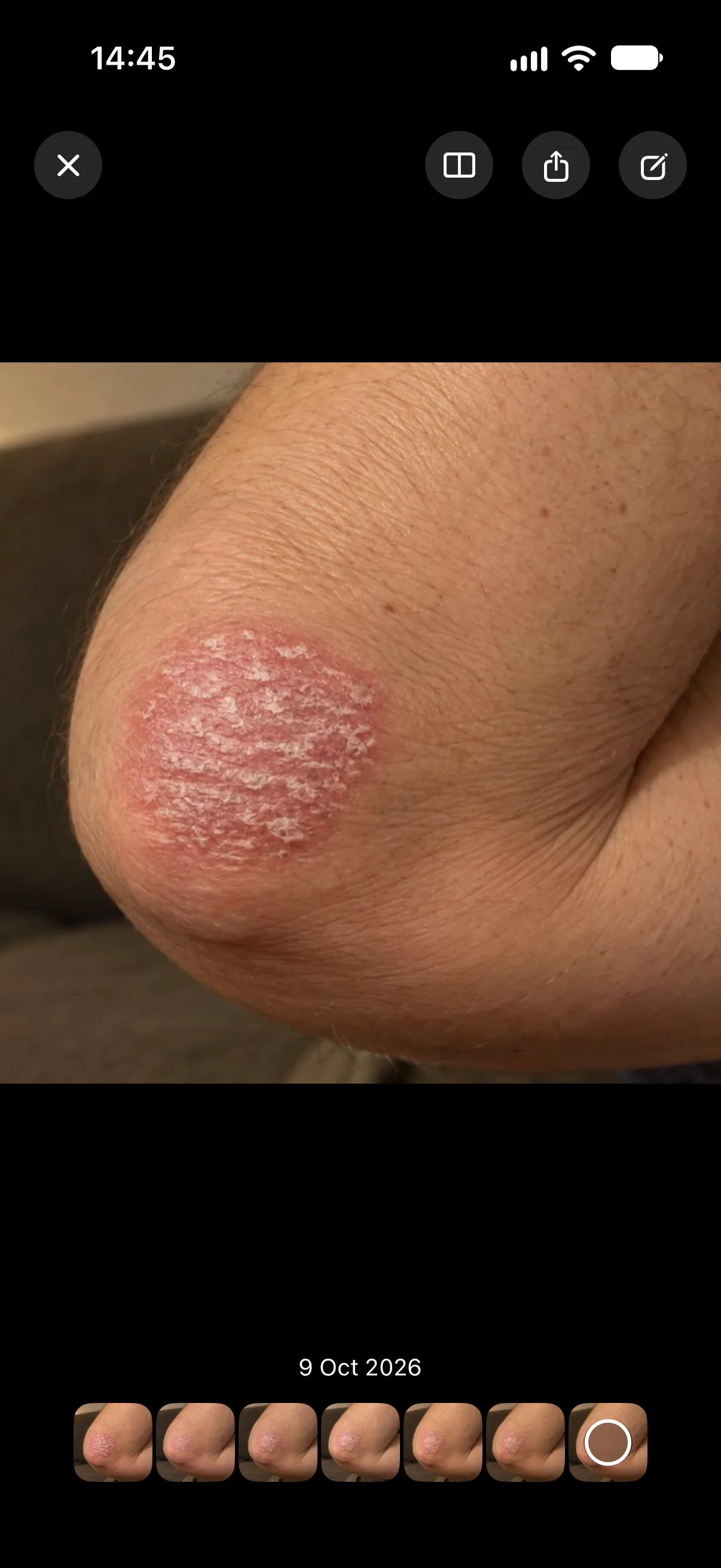
Tap an album and the photos open full screen, on black, with the whole album as a filmstrip underneath. Pinch to look closer, slide along the strip to move through time, pull down to close.
- 01Every photo carries its date.
- 02Open the entry a photo came from, to see what else you logged that day.
- 03Share a single photo, with a doctor or with yourself, the way you share any picture.
03Compare
Pro · then and now
Two photos, and the time between them.
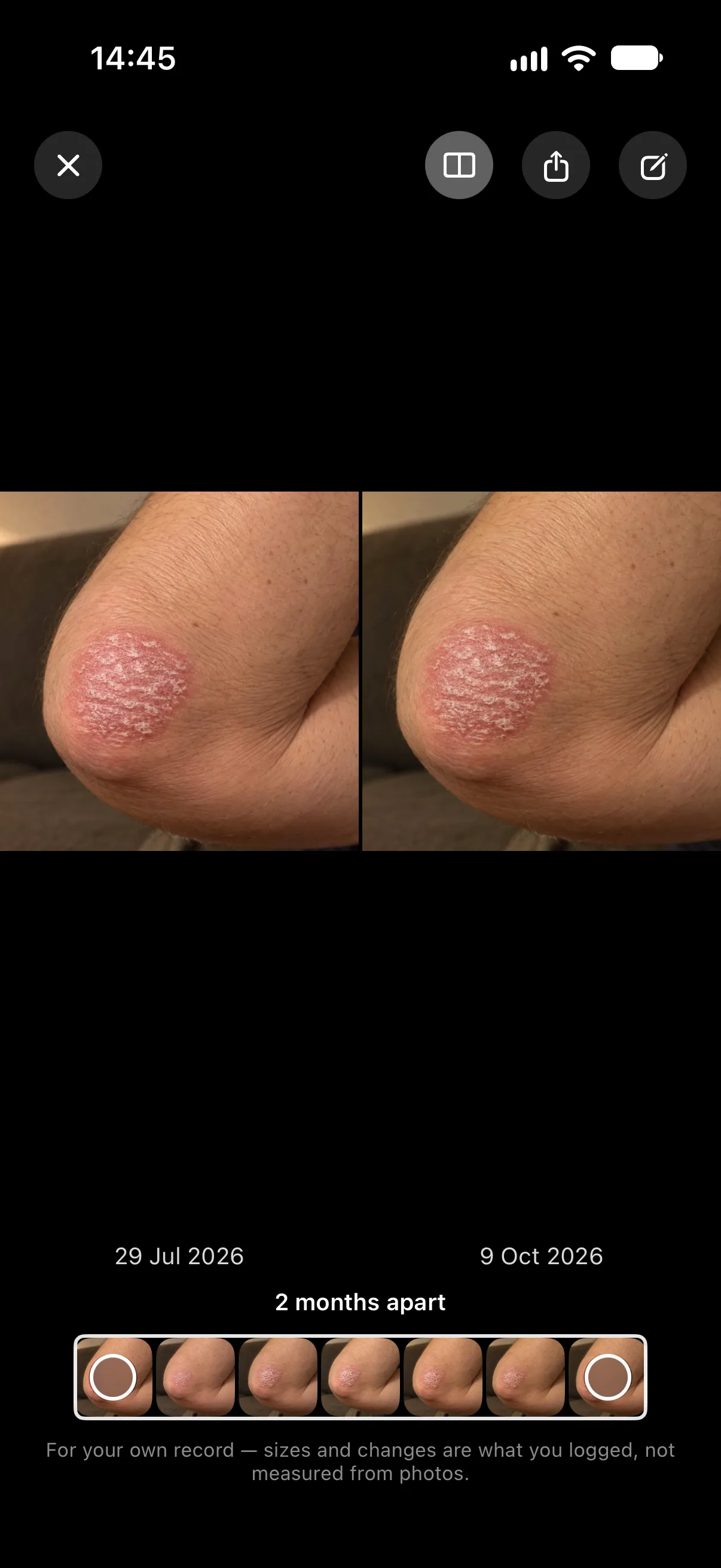
Tap Compare and the screen splits. “Then” opens on the oldest photo in the album, “now” on the one you were looking at. A second handle on the filmstrip picks any other “then”.
Dated, both
Each half shows its date, and the line beneath says how far apart they are: 2 months apart
, 3 weeks apart
, or Same day
.
One spot at a time
Compare works inside one tracker’s album, so the two halves are the same thing photographed twice.
Honest about it
Longnote doesn’t measure anything in a photo. As the viewer says: For your own record — sizes and changes are what you logged, not measured from photos.
04Line it up
Pro · the camera
The same angle, every time.
A comparison is only as good as the two photos. When you take a new one, Longnote can lay the last photo of that spot over the camera, faintly, so you can match the framing.
A slider sets how strongly the previous photo shows over the camera.
From Searching for the previous framing
to Almost lined up
to Lined up with previous photo
.
After the shot, a small shift, turn or zoom brings it closer to the last one. It never bends or warps the photo. Both helpers can be switched off under Settings › Appearance › Photos.
05Yours
Storage · backup · reports
Some photos are nobody else’s business.
Photos live in Longnote’s own storage on your iPhone, not in your photo library, unless you save one from Share yourself. Nothing is uploaded.
Longnote’s encrypted backup includes your photos, so a new phone gets the albums back with the entries.
A report can carry up to twelve photos, and its deep-dive pages show the first and latest photo of each area.
06Explore more
Features
The rest of the note.
-
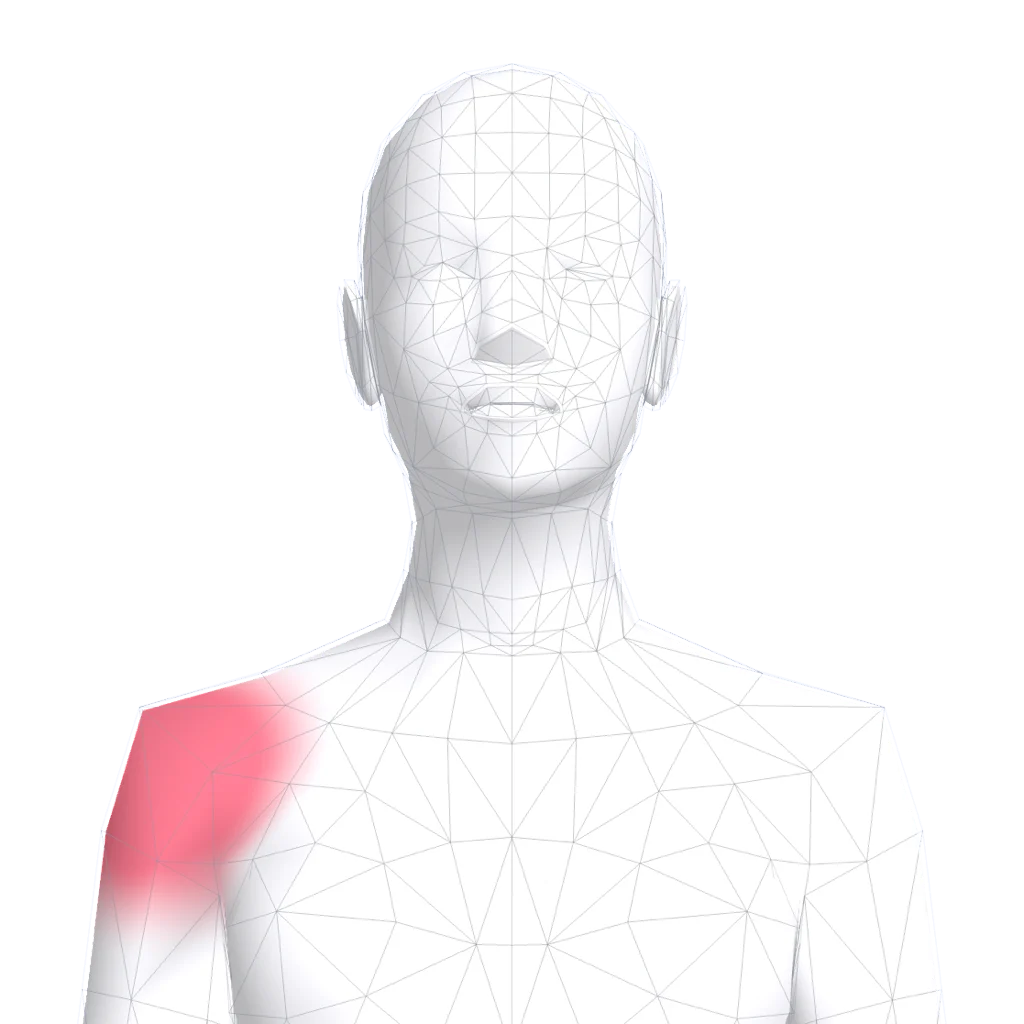 Body atlas where it hurts Mark the exact spot, watch it move over months.
 -
 Quick log in seconds Hold the plus, slide, let go. No sheet on a bad day.
 -
 Journal and the weather Every day on one page, with its weather and how it treats you.
 -
 Patterns that say how sure Observations, early signs and patterns, graded honestly.
 -
 Reports for your doctor Your log as a few clean pages for the appointment.
 -
 Apple Health in and out Sleep, steps and workouts beside how you felt.
Take the first photo today.
Free to download, free to keep. Taking, viewing and sharing photos are free; comparing and lining up come with Pro.