FeatureQuick log
One move. Logged.
The days that most need a note are the days you can least face a form. Hold the plus on a card, slide to how it is, let go. No sheet, no keyboard, no Save button.
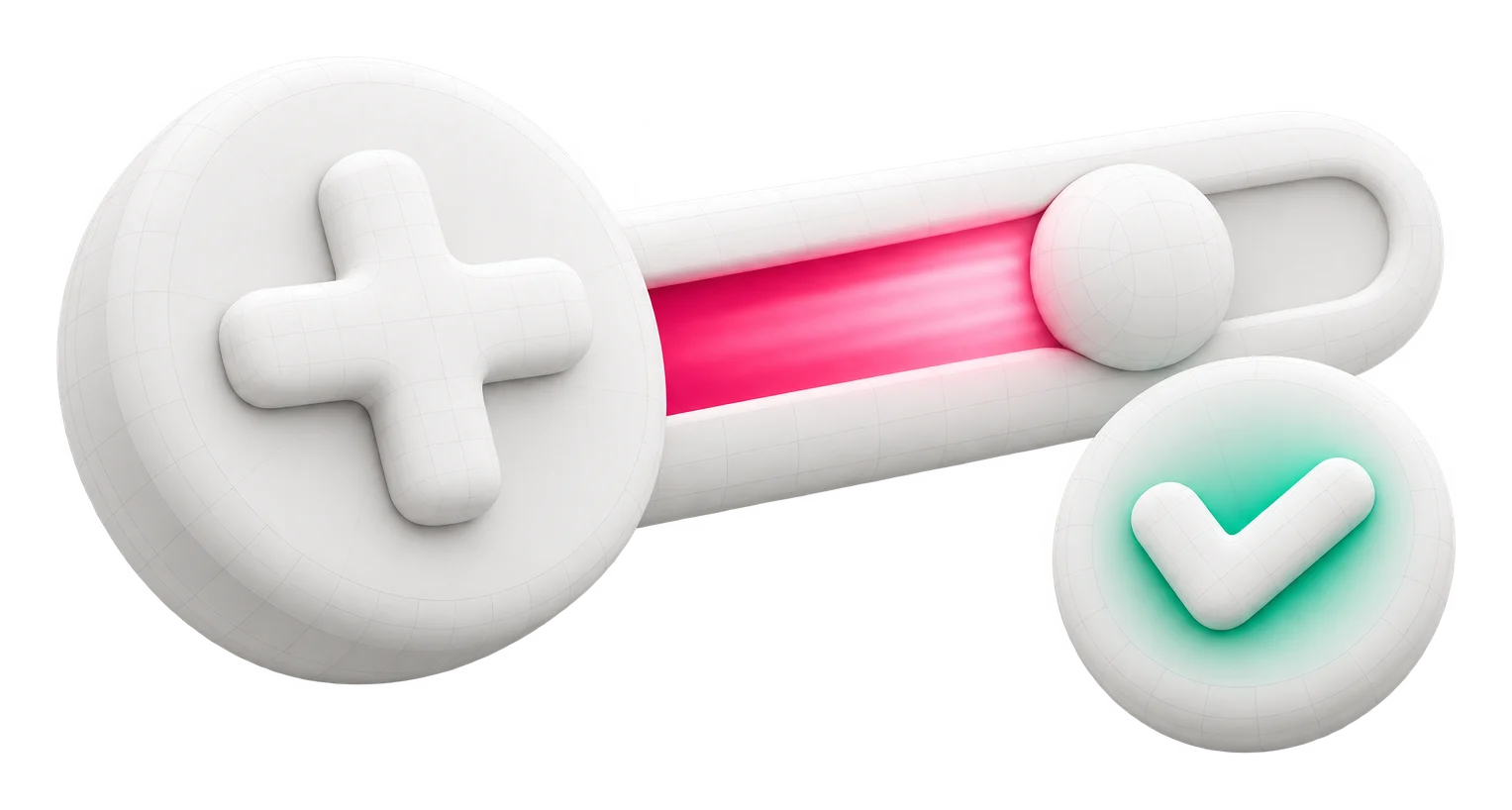
- Hold, slide, let go
- One entry, no sheet
- Again
- Hold and release repeats your last value
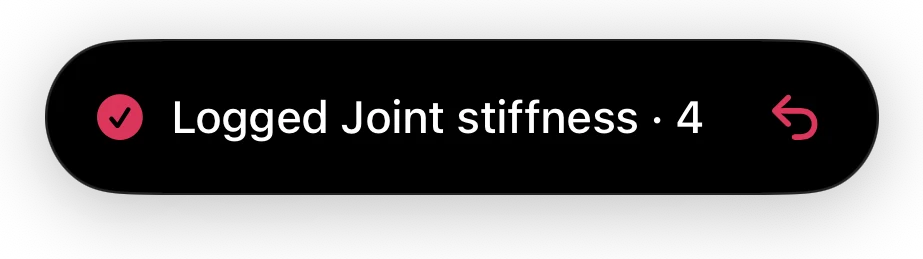
- 5 seconds to undo
- Every quick log can be taken back
- Free
- Both ways of logging, no Pro needed
01Hold, slide, let go
From any card on Home
The plus you already tap, held a moment longer.
A quick tap on a card’s plus still opens the full entry sheet. Hold it for a third of a second instead, and the card lifts with a rail of values beside your finger.
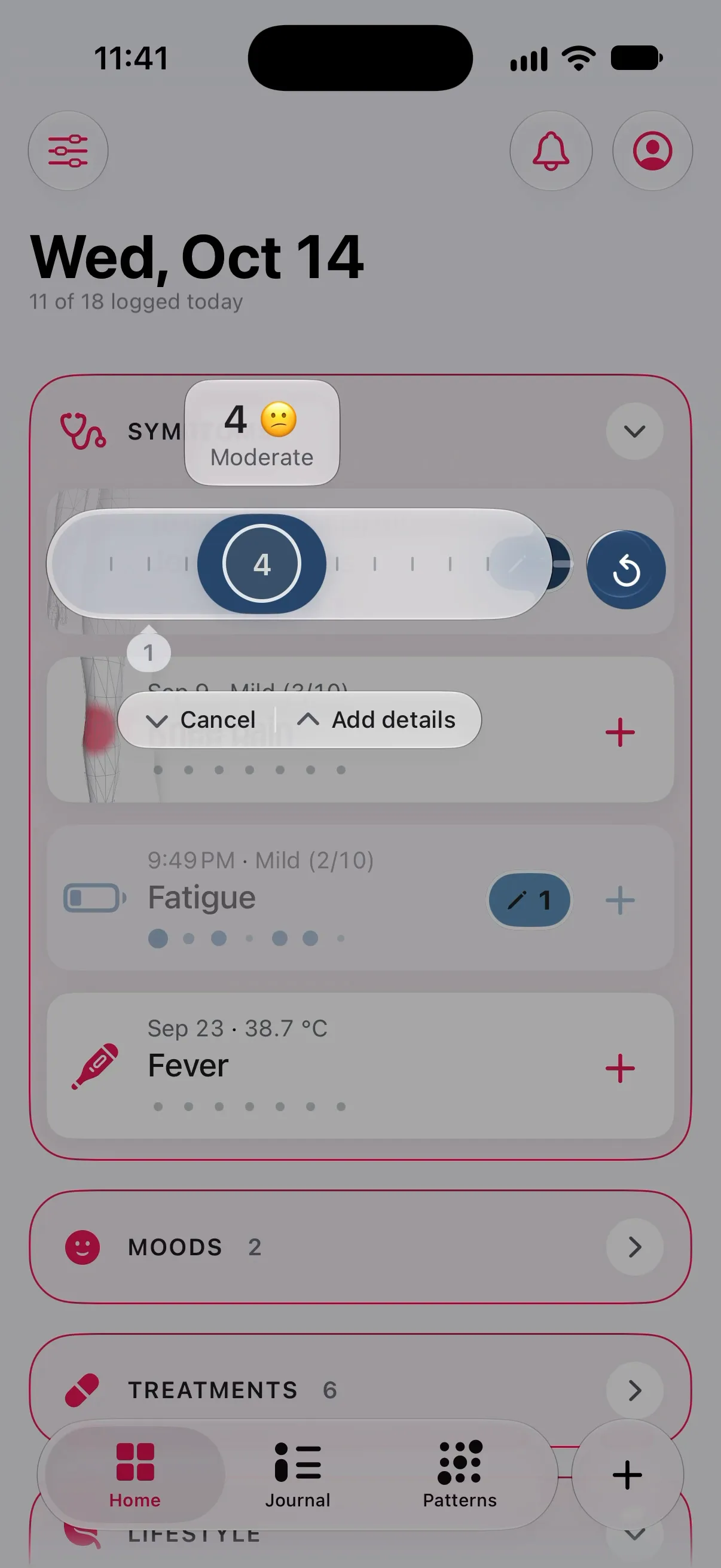
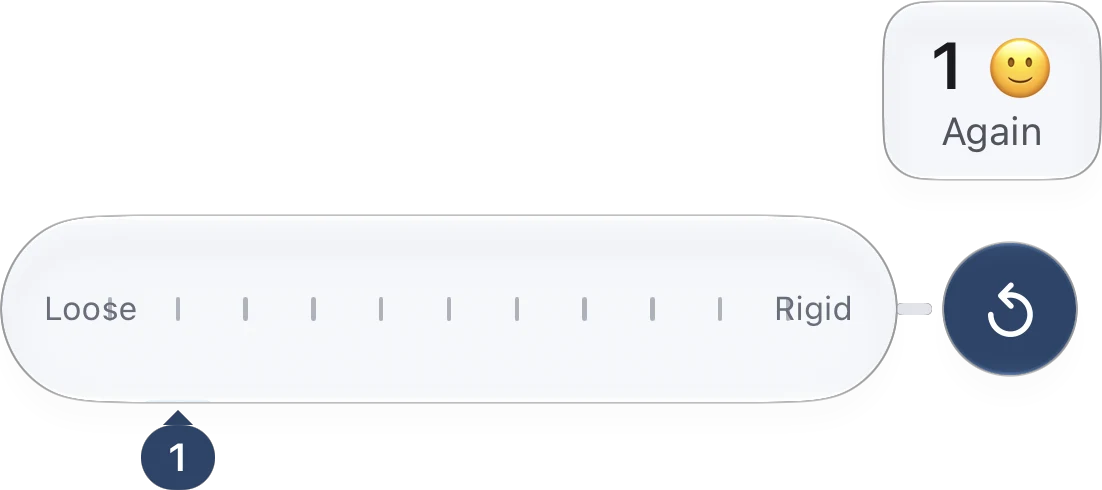
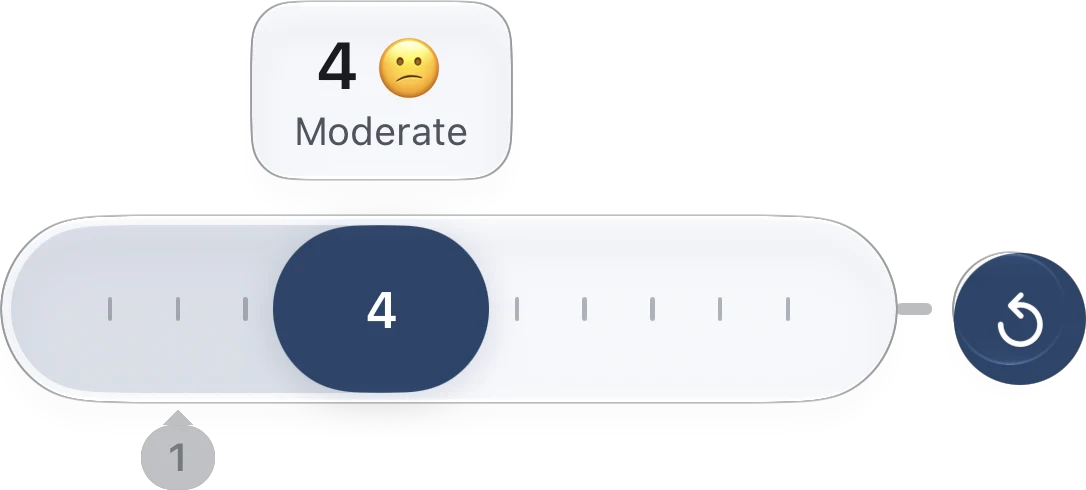
- 01Hold and let go without sliding: the last value again, logged now. “Same as this morning” is one touch.
- 02Changed your mind mid-slide? Slide down and let go, and nothing is logged.
- 03Want to add a note or a photo after all? Slide up and let go: the full sheet opens with the value already set.
- 04The first step onto the rail takes a deliberate move, so a shaky finger doesn’t land on the top of the scale.
Felt, not watched
A firm tap when the rail opens, a tick for every step, another when it is logged. You can do it without looking.
Where it was
A quick log keeps the body areas of your last entry, so the atlas stays in the right place.
02What it logs
Scale · duration · count · yes/no · dose
The rail fits the tracker.
Every tracker whose main measure is a number gets a rail made from that measure, so the steps under your finger are the ones you would pick on the sheet.
The scale’s own steps, with its words: mild, moderate, severe. A fine 0–100 scale is grouped into steps far enough apart to hit.
A duration slides through the sheet’s quick picks, plus the last value you used. A count offers five steps around your last one.
A yes/no tracker has no rail: hold and let go to tick it. A treatment logs its scheduled dose, as a tap would.
A quick log writes the main measure, now. Choices, text, photos, a note or an earlier time go through the full sheet, one tap away, and skin trackers, which start with a photo, have no rail.
03Quick Log
Every tracker, one screen
The evening round, in one sweep.
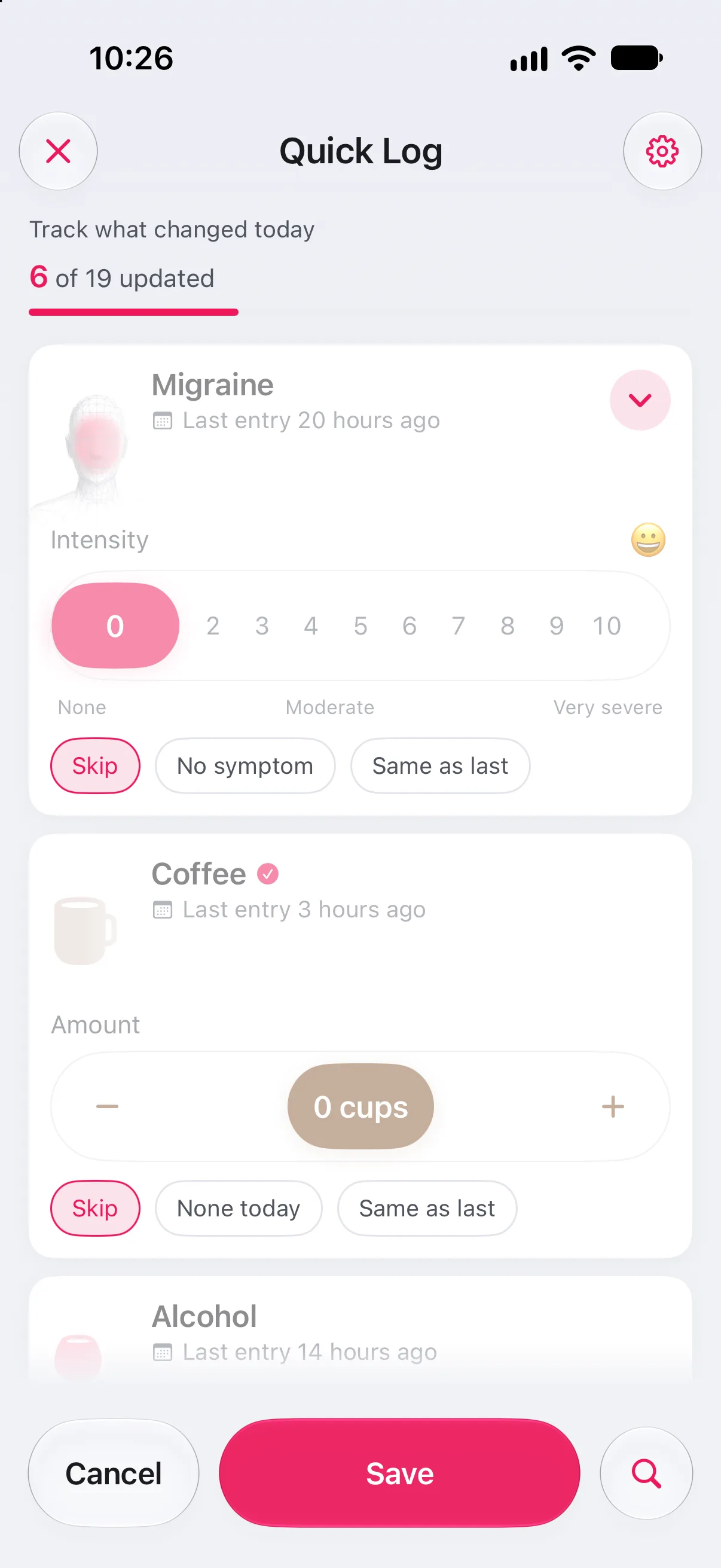
Quick Log, from the plus menu, lays your trackers out in Home order, each with its main control on the card. Set what changed, leave the rest, save once.
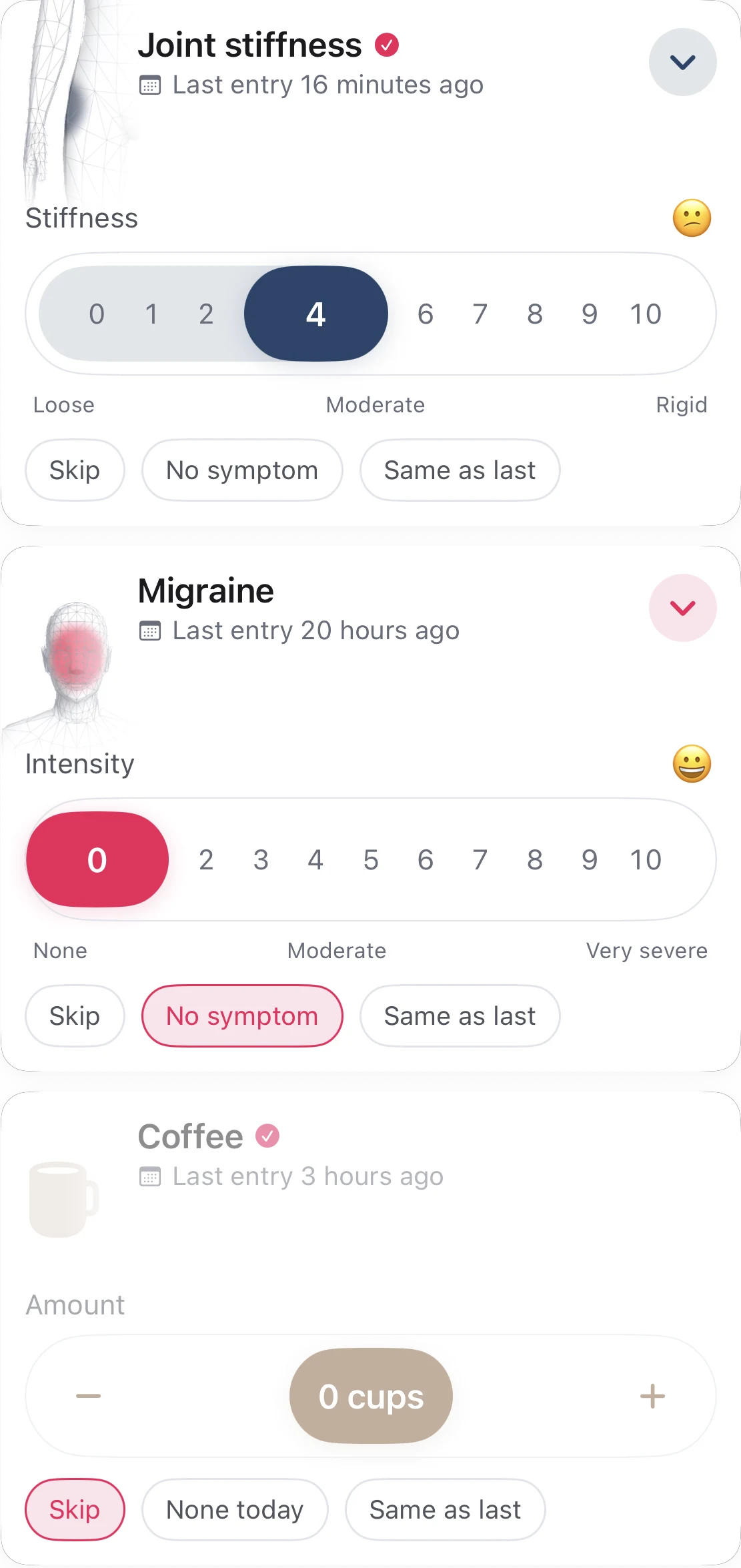
- 01Every card starts on Skip. Only the cards you touch are logged.
- 02No symptom writes a real zero, so a good day is on the chart and not a gap. Treatments say Not taken.
- 03Same as last copies your last entry, dated now.
- 04Choose which trackers it walks through in Settings › Quick Log; search finds the rest.
04Safe to be quick
Undo · reminders
Fast, and never a mistake you keep.
A quick log is a real entry from the moment you let go. For five seconds, the drop at the top of the screen can take it back; after that, edit or delete it like any other entry.
- 01A tracker’s reminder opens Quick Log on that tracker, so the notification and the log are one tap apart.
- 02The daily check-in reminder opens the whole sweep.
- 03Once you have logged by hand a few days, a tip on Home shows you the hold.
05Your way
Tap · sweep · VoiceOver
Three ways to log. Pick the one today allows.
The slide is one way in, not the only one. Everything it does, the full sheet and Quick Log do too.
A tap on the plus opens the full sheet, prefilled from your last entry: where, how strong, how long, a note.
Quick Log puts every tracker on one screen with large controls, for the evening round or a check-in.
Each card’s plus is labelled “Log entry for …” and opens the sheet, where every control can be read and adjusted.
06Read next
Guides · Support
More on logging when it is hard.
07Explore more
Features
The rest of the note.
-
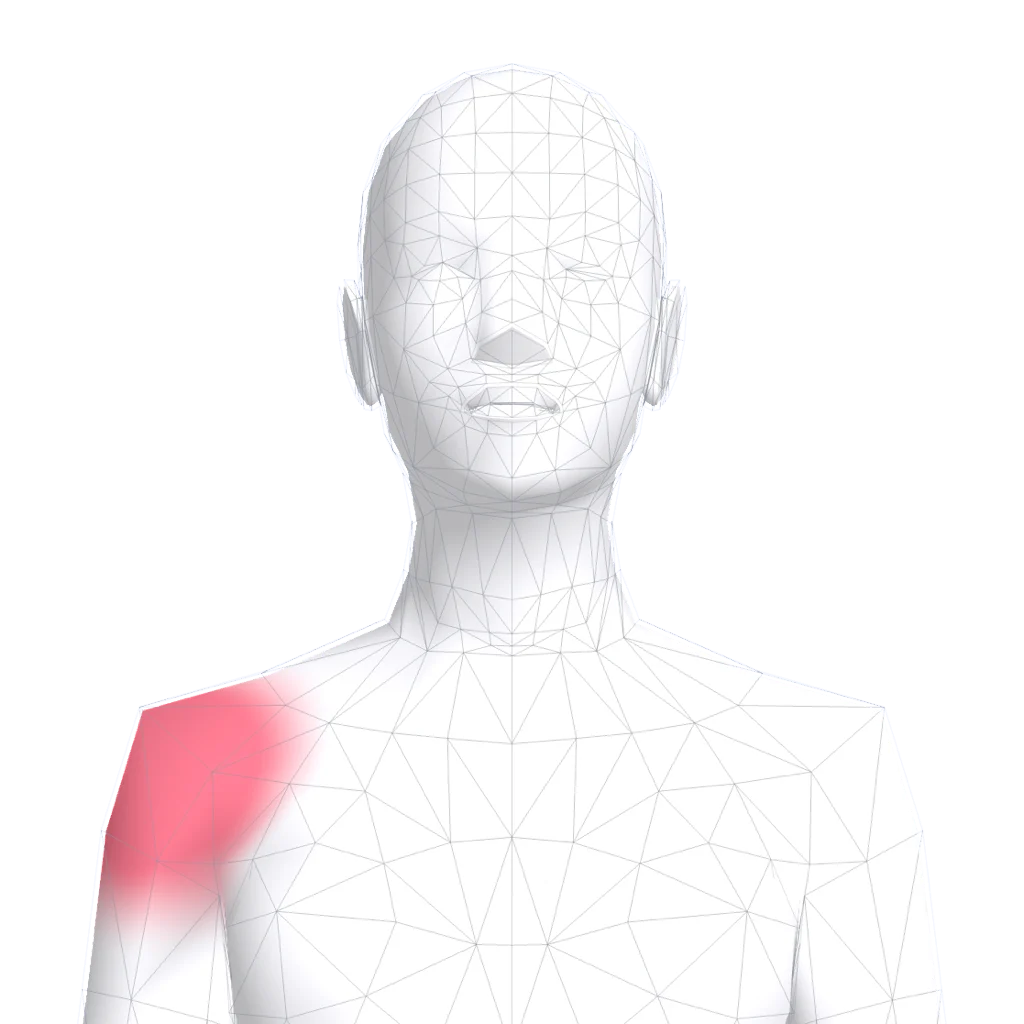 Body atlas where it hurts Mark the exact spot, watch it move over months.
 -
 Journal and the weather Every day on one page, with pressure drops flagged.
 -
 Patterns that say how sure Observations, early signs and patterns, graded honestly.
 -
 Summary for your doctor Your log as a few clean pages for the appointment.
Log the bad day, too.
Free to download, free to keep. Quick logs are free, and every entry stays on your iPhone.