FeatureApple Health
Your watch already took notes.
How you slept, how far you walked, the run this morning: Apple Health has it, and it belongs next to how you felt. Connect once and it arrives as trackers, months of it at once. If you like, the symptoms you log go back to Health too.
- Reads eight kinds
- Plus 36 symptom types, if you allow them
- Six months back
- Up to 180 days on the first sync
- Writes only symptoms
- And only once you turn it on
- Free
- Connecting and reading
01What comes in
Read · only what you allow
Each kind of data becomes a tracker.
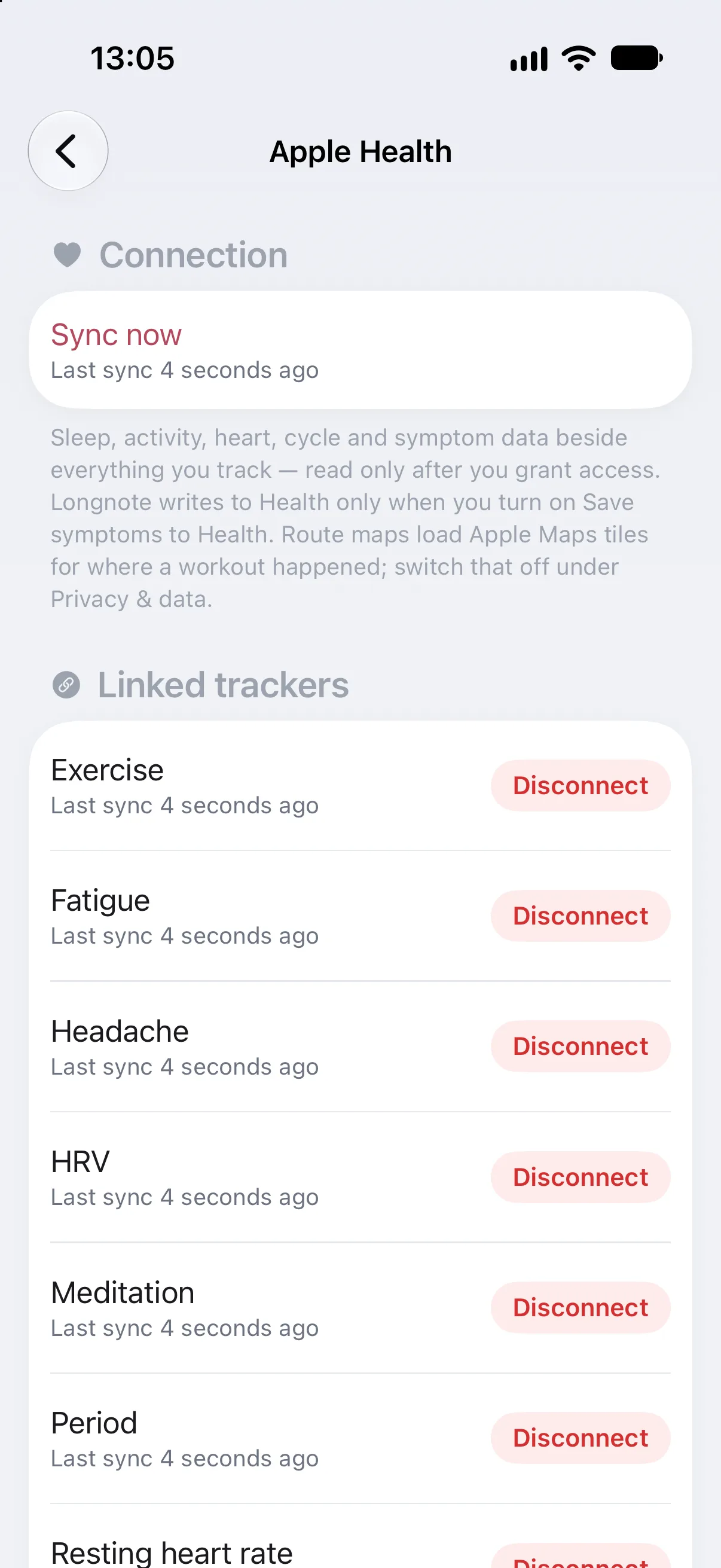
Open Settings › Apple Health and tap Connect. Apple’s own sheet asks, type by type, what Longnote may read; Longnote then adds trackers only for the types that have recent data. The first sync brings up to 180 days with it.
| In Apple Health | In Longnote | What arrives |
|---|---|---|
| Sleep | Sleep | Time asleep, per night |
| Steps | Steps | Steps per day |
| Exercise minutes | Exercise | Minutes per day |
| Workouts | Workouts | Sessions and their length; on the timeline with distance, energy, average heart rate and route |
| Heart-rate variability | HRV | Per day |
| Resting heart rate | Resting heart rate | Per day |
| Mindful minutes | Meditation | Minutes per day |
| Menstrual flow | Period | Flow and period days |
| Symptoms | The matching tracker | 36 types, from headache and nausea to fatigue, with their severity |
02In your day
Journal · key indicators · timeline
The night and the run, next to the headache.
Health data lands where you already look. Sleep, steps and exercise can sit at the top of each day in the Journal, and a workout appears on the day’s timeline at the time you did it.
With its distance, energy and average heart rate, a map of the route if it had one, and the icon of the app that recorded it.
For a symptom Health also records, Health fills only the days you didn’t log yourself. Values that came from Health stay as Health has them.
Each time you open Longnote it catches up on the last two weeks, so a late-synced watch or an edited night still arrives.
03Against your symptoms
Pro · Patterns
Short nights, bad days?
Because every kind of Health data is a tracker, it can be compared like one. With Pro, Patterns sets sleep, steps or resting heart rate against a symptom and says how strong the link is and how many days it rests on, as associations, never causes.
04Write back
Save symptoms to Health · optional
Your symptoms in Health, if you want them there.
The connection reads and nothing more until you turn on Save symptoms to Health. Then each symptom you log, on a tracker Health has a symptom type for, is saved to Apple Health with when it was and how bad.
- 01Severity carries over: Longnote’s 0 to 10 becomes Health’s not present, mild, moderate or severe.
- 02Saved symptoms stay in step: edit or delete an entry and Health follows. A large removal waits and asks you first.
- 03Nothing else is written. Not your mood, notes, photos, treatments or body areas.
- 04Turn it off and Longnote asks whether the symptoms it saved should stay in Health or be removed. Your entries in Longnote are not touched either way.
05On your iPhone
Privacy
From Health to Longnote, and no further.
What Longnote reads is processed on your iPhone. Nothing read from Health is sent to us: there is no Longnote server to send it to.
Route maps load Apple Maps tiles of the area, and app icons are looked up from Apple. Switch both off under Privacy & data › Workout maps & app icons.
Every type has its own switch in iOS, under Settings › Privacy & Security › Health. Disconnect one tracker, or all of them, from Longnote’s own settings.
06Read next
Support · Guides
More on Health and your data.
07Explore more
Features
The rest of the note.
-
 Body atlas where it hurts Mark the exact spot, watch it move over months.
 -
 Quick log in seconds Hold the plus, slide, let go. No sheet on a bad day.
 -
 Journal and the weather Every day on one page, with its weather and how it treats you.
 -
 Patterns that say how sure Observations, early signs and patterns, graded honestly.
 -
 Reports for your doctor Your log as a few clean pages for the appointment.
 -
 Photos side by side Dated photos of one spot, then and now.
Let the watch do the remembering.
Free to download, free to connect. What Health knows joins what you log, on your iPhone.